Free Image Converter Online – Convert Images to Any Format for Free
Looking for a fast and reliable way to convert your images? Our Free Image Converter Online lets you convert images into multiple formats in just a few clicks. Whether you need JPG to PNG, PNG to JPG, JPG to WEBP, WEBP to PNG, or many other image conversions, this tool delivers high-quality results without installing any software.
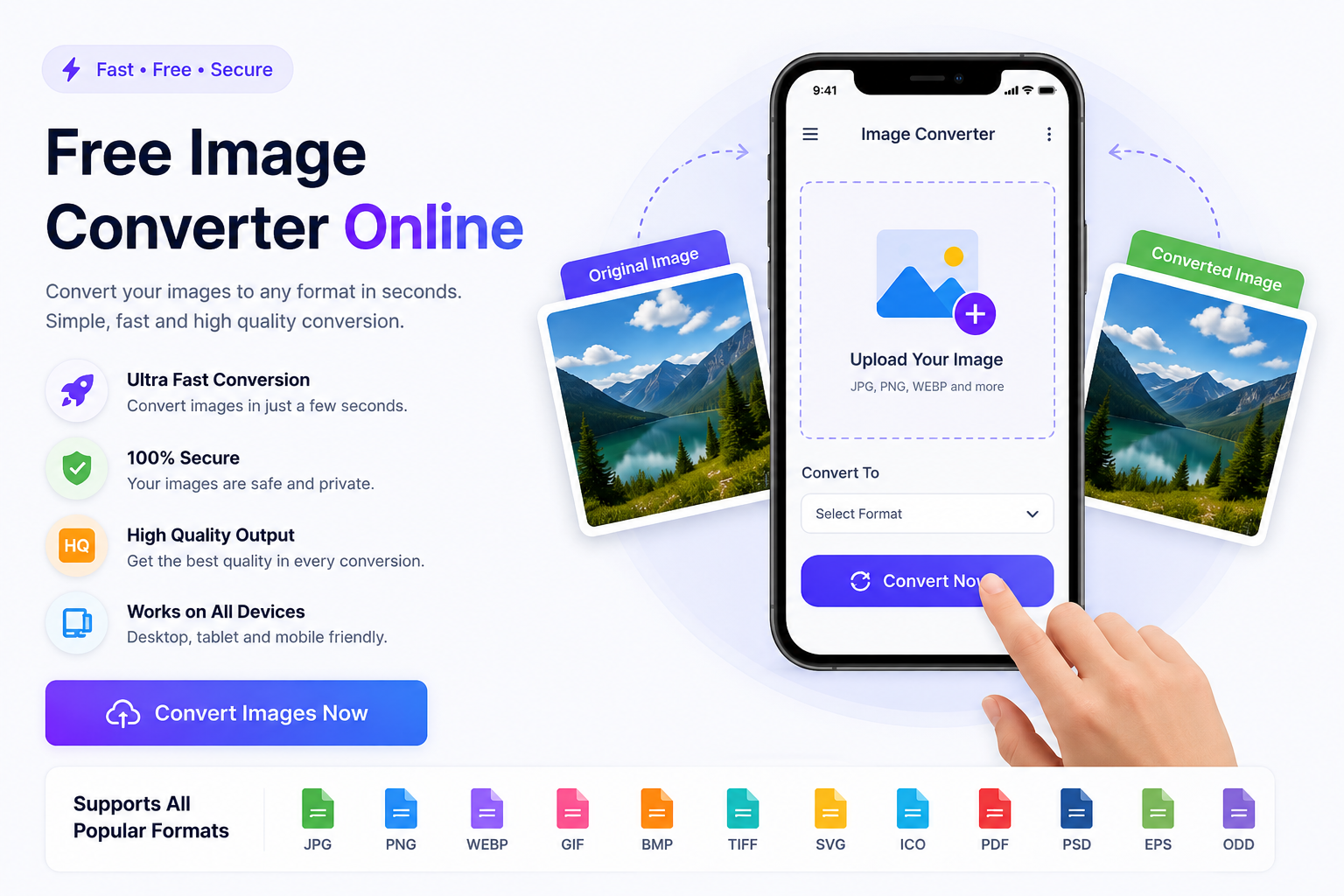
Designed for beginners and professionals alike, our online image converter works directly in your browser. Simply upload your image, choose the output format, adjust the quality if needed, and download the converted file instantly.
Why Choose Our Free Image Converter?
Our tool is built to make image conversion quick, secure, and hassle-free.
Completely free to use
No registration required
High-quality image conversion
Supports multiple image formats
Fast processing speed
Easy-to-use interface
Works on Windows, Mac, Android, iOS
Secure file processing
Supported Image Formats
The following table shows the formats you can convert using this tool.
Format
Full Name
Best Used For
JPG / JPEG
Joint Photographic Experts Group
Photographs and complex images with small file size
PNG
Portable Network Graphics
Images requiring transparency and high quality
WEBP
Web Picture Format
Web images with superior compression and quality
GIF
Graphics Interchange Format
Simple animations and low-color images
BMP
Bitmap Image File
High-quality uncompressed graphics
TIFF
Tagged Image File Format
Professional photography and high-quality printing
SVG
Scalable Vector Graphics
Logos, icons, and vector illustrations
ICO
Icon Format
Website favicons and desktop application icons
PDF
Portable Document Format
Sharing documents and combined images safely
PSD
Photoshop Document
Editing layered designs in Adobe Photoshop
EPS
Encapsulated PostScript
Professional vector graphics for printing
ODD
Open Document Drawing
Vector drawings for open office applications
Popular Image Conversions
Below are the most commonly used image conversions supported by our tool.
Conversion
Description
JPG to PNG
Convert photos into high-quality graphic files with transparency support.
PNG to JPG
Reduce file size by converting transparent graphics into standard photos.
JPG to WEBP
Optimize images for web performance and faster loading times.
WEBP to JPG
Make webp images compatible with older software and devices.
SVG to PNG
Rasterize vector graphics into high-quality standard images.
PDF to JPG
Extract pages from documents into easily shareable image files.
How to Convert an Image
Converting an image is simple and takes only a few seconds. No technical skills are needed.
1. Upload your image file.
2. Select the output format.
3. Adjust the quality slider if required.
4. Click the Convert button.
5. Download your converted image instantly.
Which Image Format Should You Choose?
JPG – Best for photos and smaller file sizes.
PNG – Ideal for transparent backgrounds and graphics.
WEBP – Perfect for websites because it provides excellent quality with smaller file sizes.
GIF – Suitable for simple animations.
BMP – Uncompressed format for high-quality images.
TIFF – Preferred for printing and professional photography.
SVG – Best for logos and scalable vector graphics.
ICO – Used for website favicons and application icons.
PDF – Great for sharing documents and images together.
PSD – Photoshop project files for editing.
EPS – Professional vector graphics used in printing.
ODD – Open document image-related format used in compatible office applications.
Who Can Use This Tool?
Our online image converter is suitable for:
Students
Graphic Designers
Bloggers
Website Owners
Social Media Managers
Photographers
Business Professionals
Anyone needing quick conversion
Start Converting Images Online
Whether you need JPG to PNG, PNG to JPG, JPG to WEBP, WEBP to JPG, PNG to WEBP, WEBP to PNG, GIF to JPG, SVG to PNG, PDF to JPG, PSD to PNG, or many other image conversions, our Free Image Converter Online makes the process quick and effortless.
Upload your image, choose your preferred format, and download a high-quality converted file in seconds. Fast, secure, and completely free—everything you need to convert images online is available in one place.